$0 a month. No setup fee.

For teams and players

Find the event. Follow the action.

Find an event, sign up your team, and follow the live schedule, bracket, and stats.

Available on web, iOS, and Android.
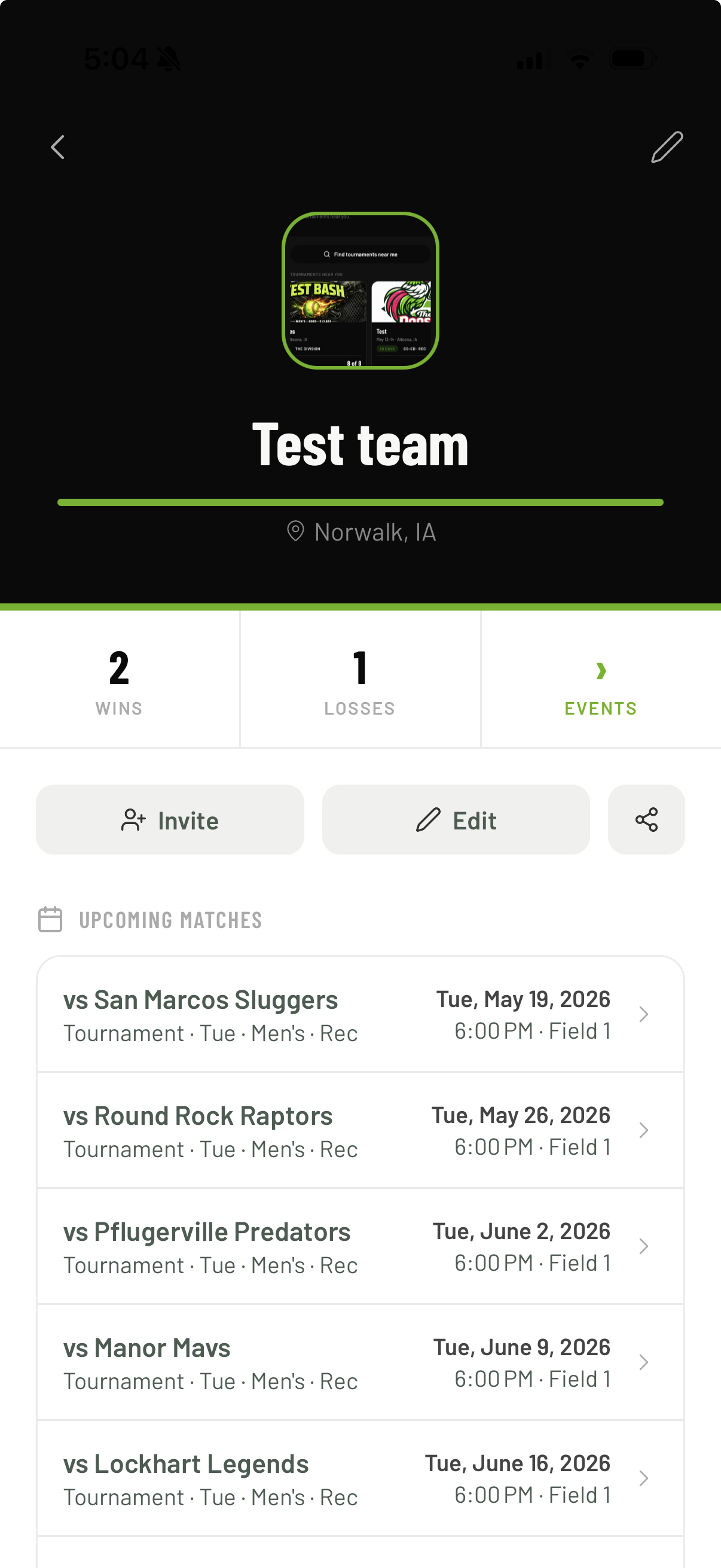
Team schedule in The Rooster
  1. Before you sign up

    Know before you sign up

    Review dates, location, divisions, fees, rules, format, and open team spots.

  2. Team sign-up

    Register in one place

    Create or join a team, add players, choose a division, and pay online when the event offers it.

  3. Game day

    See what comes next

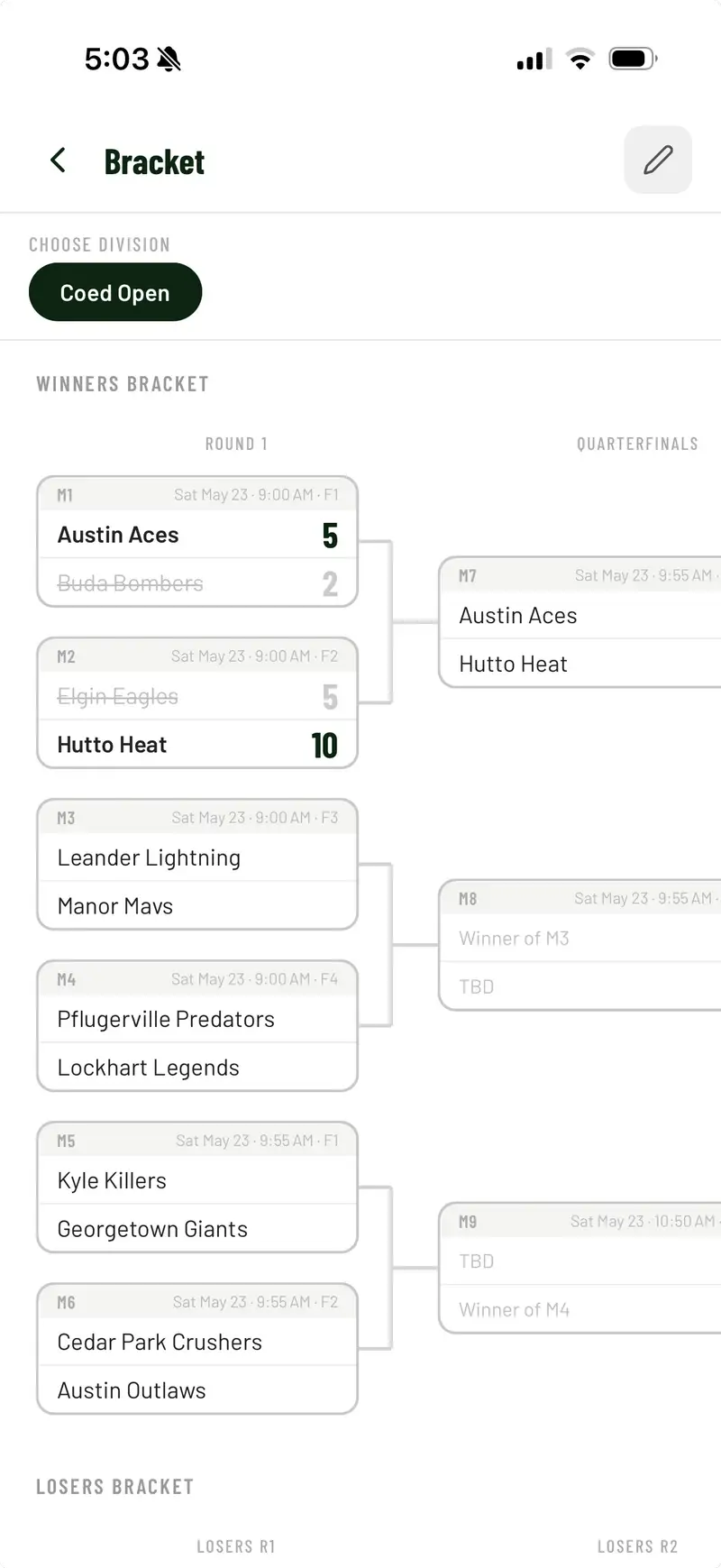
    Find your next game, time, field, opponent, pool record, and bracket path.

  4. Stats and points

    Follow stats and points

    Check the scorebook, points, and leaderboards next to your schedule.

  5. Updates

    Get event updates

    Directors post schedule changes, field moves, and other event news.

Good to know

What teams pay

Free to use
$0 a month. No setup fee.
Clear checkout
Teams pay a service fee starting at $1.99. You see the total before you pay.
Cash events too
Some organizers take cash. They mark your team paid with no online fee.

Mobile apps

Take the event with you

Use The Rooster on web, iOS, or Android. Sign up, pay, and follow scores from any of them.

Prefer a browser? Find an event .

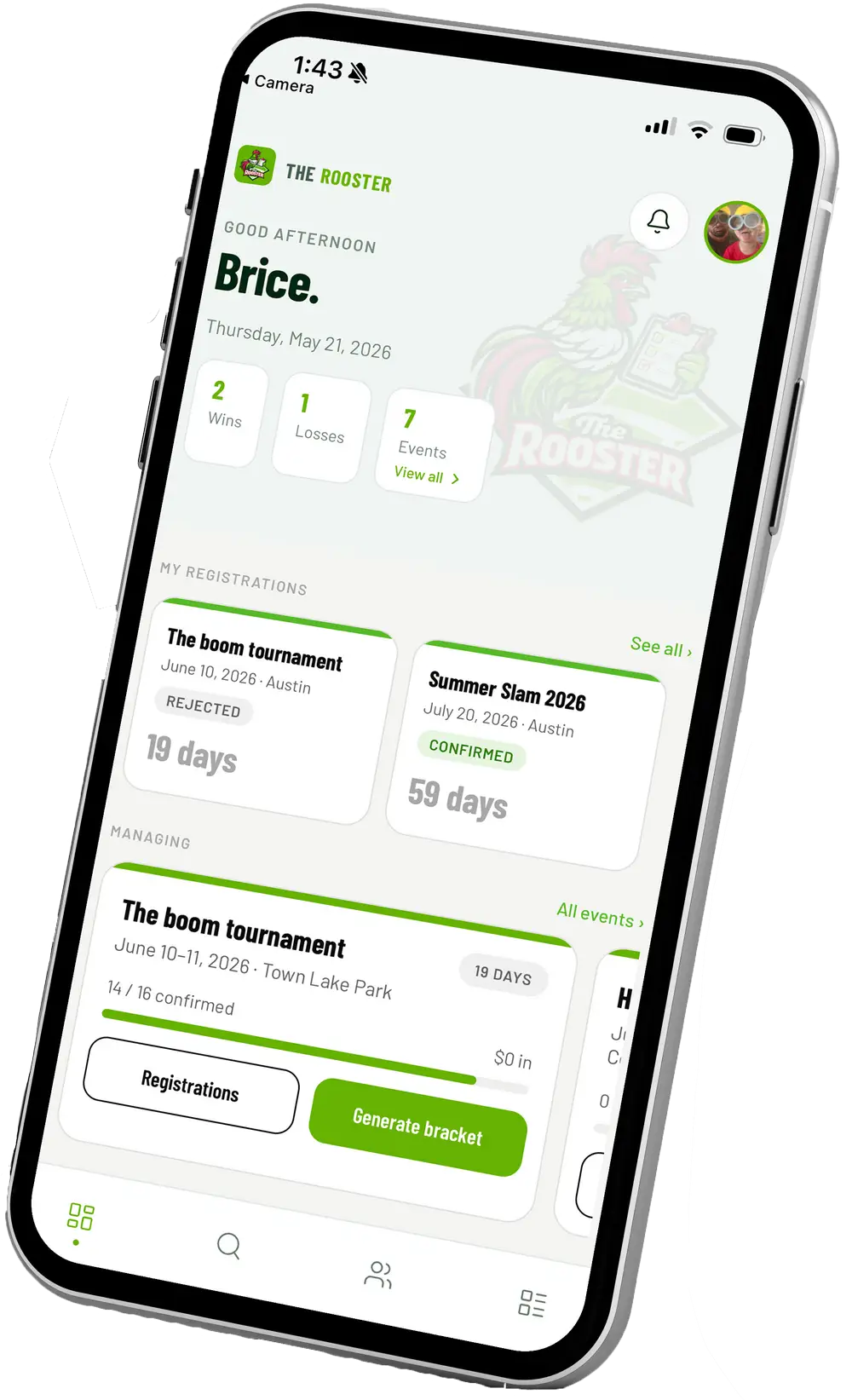
The Rooster app on a phone