$0 a month. No setup fee.

For organizers

Run the event from start to finish

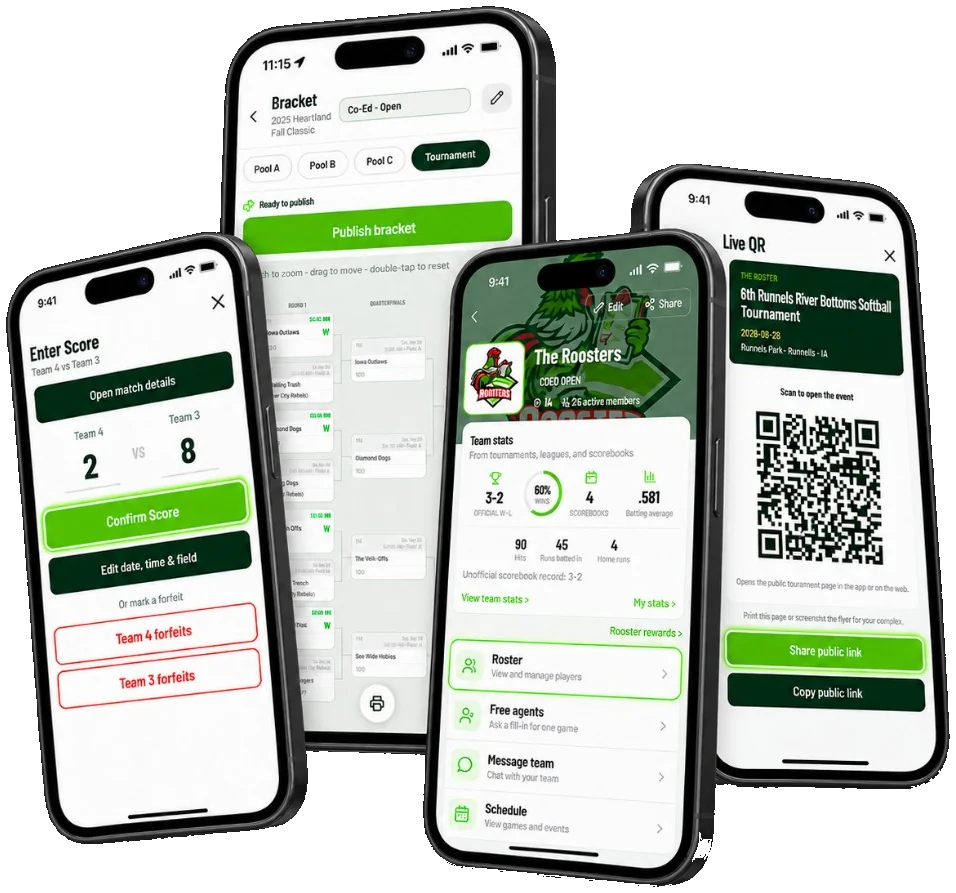
Take sign-ups, build brackets, and keep teams in the loop. We'll help if you get stuck.

$0 a month. No setup fee.Available on web, iOS, and Android.
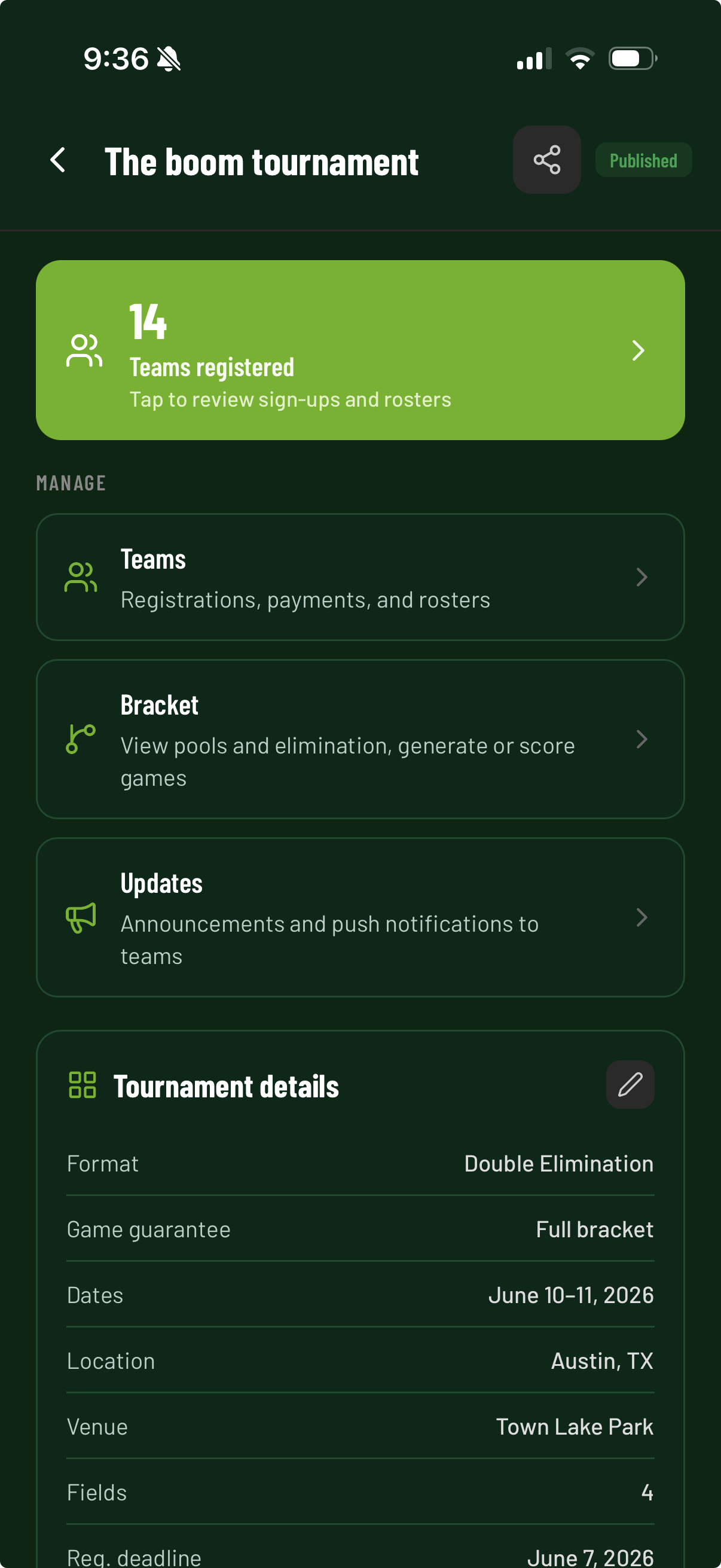
Organizer event dashboard in The Rooster

The problem

Stop joining five tools

Payments, team lists, brackets, and updates used to live in different apps. Now they live here.
Director's table before The Rooster: Venmo, a Google Sheet on a laptop, a hand-drawn bracket, and a group text. Then the same director holding one phone.
  • › Venmo
  • › Google Sheets
  • › Hand-drawn brackets
  • › Social media
  • › Email announcements

The Rooster replaces all of that.

Event flow

One event. One clear flow.

  1. 01

    Create the event

  2. 02

    Add divisions and fees

  3. 03

    Share your sign-up link

  4. 04

    Review teams and payments

  5. 05

    Build schedules or brackets

  6. 06

    Post scores and updates

Formats

Use the format that fits

Round robin
Every team plays the others in the group.
Pool play
Group games first, with standings for seeding.
Single elimination
One loss ends a team's run.
Double elimination
Teams get a second chance in a losers bracket.
Pool play into a bracket
Seed a bracket from pool standings.
Gold, Silver, Bronze
Send pool finishers into placement brackets.

Payments

Clear online payments

Teams can pay on web, iPhone, or Android. You see who has paid.

What it costs

  • $0 a month. No setup fee.
  • No contract
  • No setup fee
  • Help based on your event
  • You pay 3.9% only on online payments
  • Teams pay a service fee starting at $1.99
View pricing

Free setup call

We will help you start

Show us how your event works. In a free 20-minute call, we will help plan your divisions, sign-up flow, payments, and format.

  • No sales presentation
  • No contract and no setup fee
  • Help based on your event
  • Clear next steps when the call ends

How the call works

Pick a time that works for you. We will learn about your event, show the tools that fit it, and answer your questions.

1

Tell us about your event

2

Set up your first event together

Get free setup help →